 CoinSyncer
How to Delete Your CoinSyncer Account
If you no longer wish to use CoinSyncer, you can permanently delete your account and all associated data. Please note that this action cannot be undone.
Steps to Delete Your Account
Go to https://app.coinsyncer.com
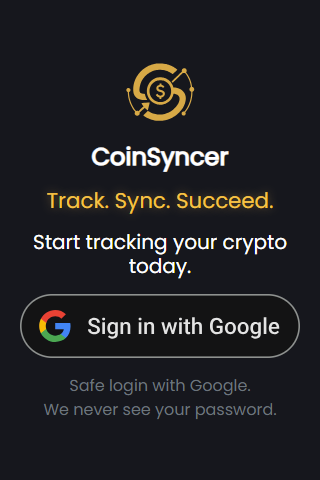
Log in using your Google account.
You can access this web interface even if you originally created your account through the CoinSyncer Android app.
Once logged in, click on the hamburger menu (☰) in the top-left corner.
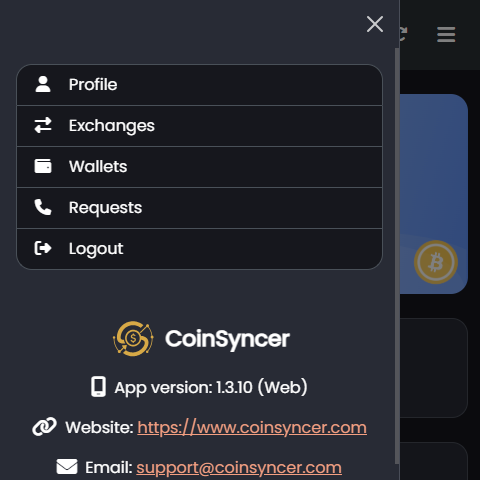
From the menu, select Profile.
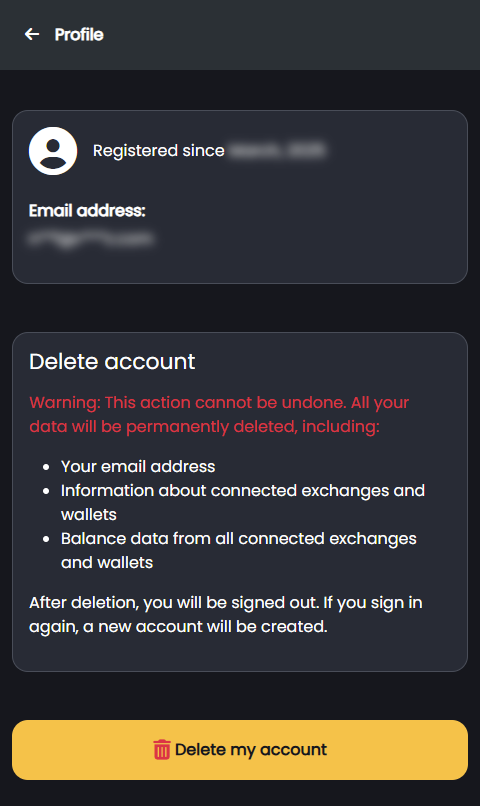
On the Profile screen, scroll down and click the button labeled Delete my account.
Important Notes
This action is irreversible. Once deleted, your account and data cannot be restored.
Clicking Delete my account will permanently remove all your data from CoinSyncer.